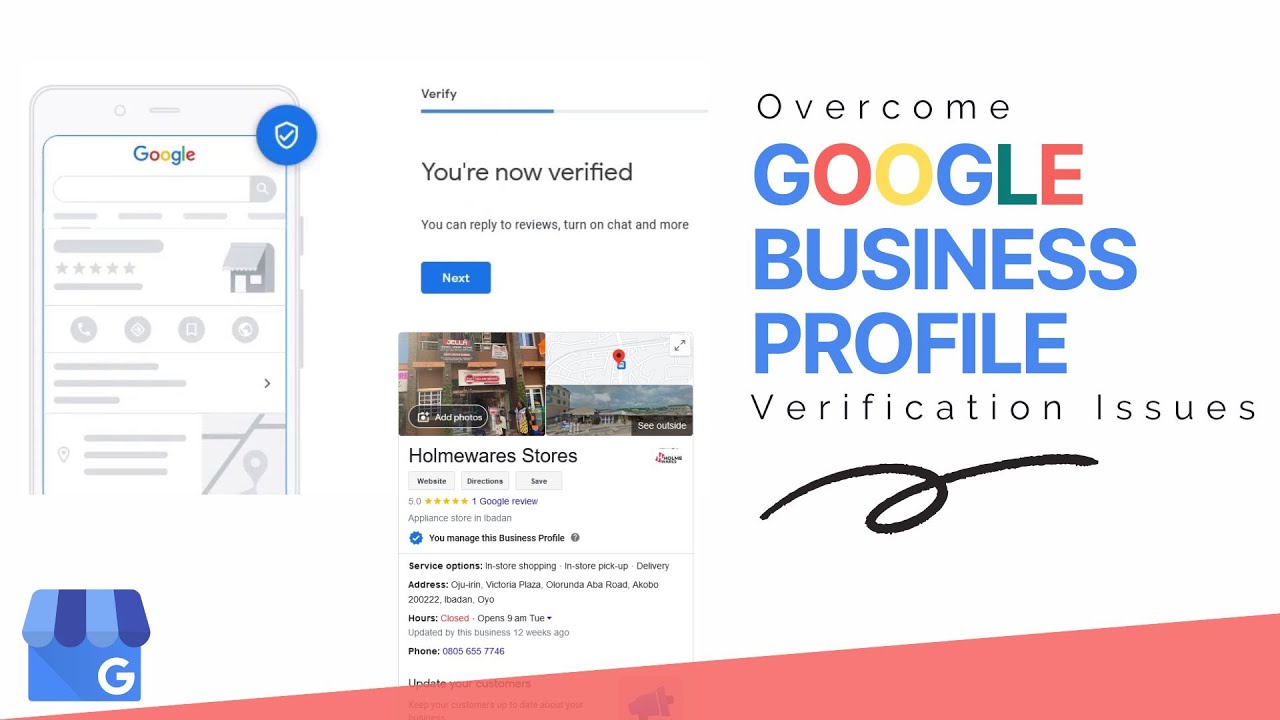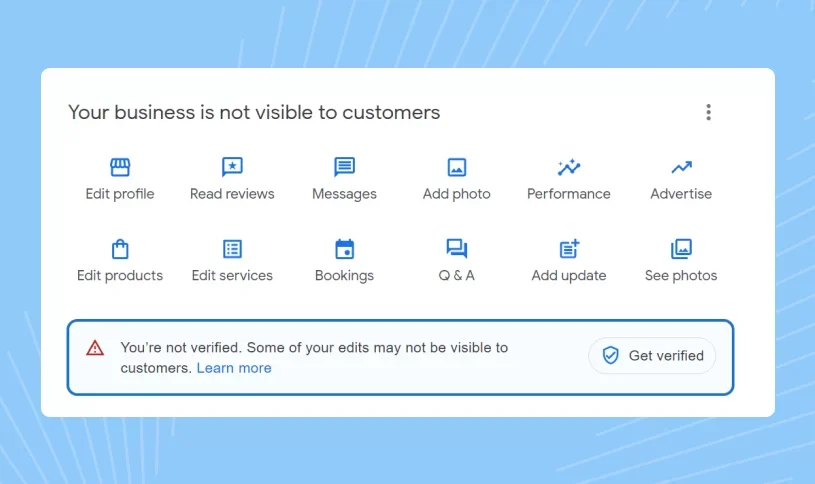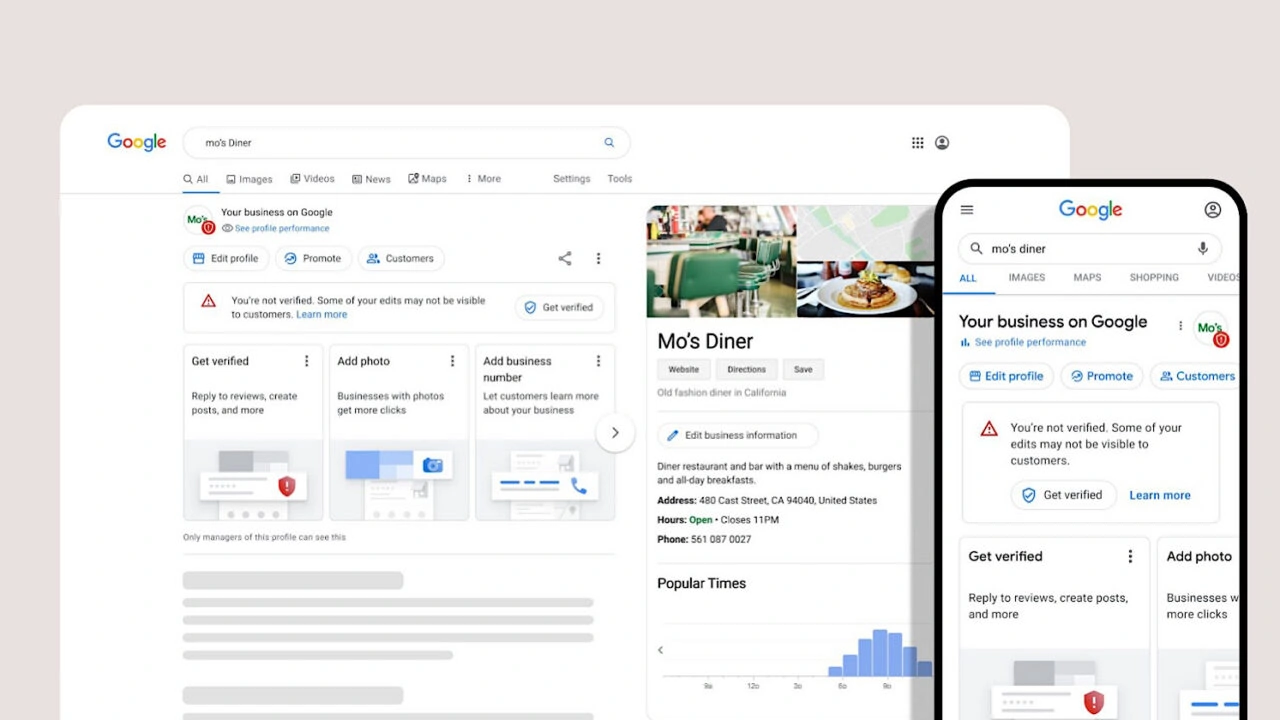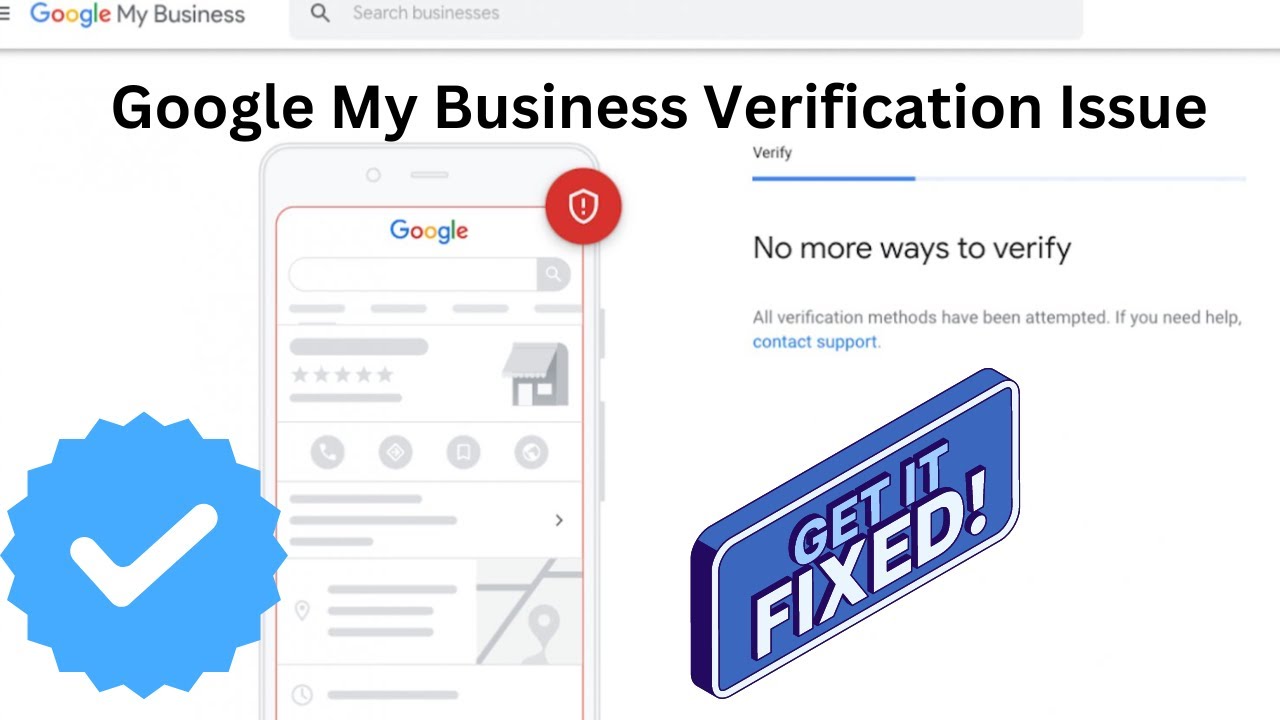
Having issues with Google Business video verification not working? Learn how to fix common errors, upload problems, camera permission issues, and other verification problems to successfully complete your Google Business Profile verification. This guide helps you troubleshoot problems and improve your chances of getting your Google Business Profile approved.
Why is Google Business Video Verification Not Working?
Many businesses experience problems while completing Google Business video verification due to technical errors, incorrect settings, or issues with the submitted video. Google uses video verification to confirm that a business is genuine, active, and connected to the provided Google profile listing.
Fixing these issues is important because a failed verification process can delay your ability to manage your Google Business Profile listing and appear correctly in Google Search and Maps results.
- Identify common verification errors before submitting again.
- Check video quality and upload requirements.
- Allow required camera and device permissions.
- Follow proper retry steps for successful verification.
- Contact Google Support when technical issues continue.
🚀 Need Help with Google Business Profile Verification?
If your Google Business Profile is suspended, requires Video Verification, Live Video Verification, Contact Support verification, or you're unable to verify your business due to the lack of a physical office, business license, or any other verification issue, our team is here to help. We have successfully assisted 10,000+ businesses worldwide with Google Business Profile verification and suspension issues. Ready to get your business verified? Contact our experts today or view our recent success stories below.
Common Errors During Google Business Video Verification
Several errors can prevent your Google Business verification video from working properly. These issues may happen because of browser problems, account settings, internet connection, or incorrect video requirements.
- Verification Video Failed: The submitted video does not meet Google's requirements or lacks enough business proof.
- Processing Error: Google cannot process the uploaded verification video due to technical issues.
- Profile Information Mismatch: Details shown in the video do not match your Google Business Profile information.
- Upload Failure: The video upload stops or fails because of connection or file-related issues.
How to Fix Google Business Verification Upload Issues?
Upload problems are common during GBP video verification. Before uploading your video again, check your internet connection, file quality, and device performance.
- Use a stable internet connection while uploading.
- Make sure your video file is properly saved.
- Avoid uploading damaged or incomplete video files.
- Try using an updated browser or device.
- Clear browser cache if the upload process keeps failing.
Camera Permission Problems During Verification
Sometimes Google Business video verification does not work because camera access is blocked on your device. Google requires camera permission to record verification videos directly through the verification process.
- Allow camera access in your browser settings.
- Check device privacy settings.
- Restart your browser after enabling permissions.
- Use a device with a working camera.
Retry Steps for Google Business Video Verification
If your verification process is not working, following the correct retry steps can help resolve the issue. Before trying again, review your previous submission and fix any missing information.
- Review the Error: Identify why the verification process failed.
- Update Business Information: Make sure your Google Business Profile details are accurate.
- Prepare a New Video: Record a clear video showing your location, business operations, and proof of ownership.
- Submit Again: Upload the improved verification video through your Google Business Profile dashboard.
Why Choose Proper Google Business Verification Troubleshooting?
Basic troubleshooting helps solve many common Google Business Profile verification problems without unnecessary delays. A properly prepared video and accurate profile information make the verification process smoother.
- Resolve Technical Issues: Fix upload, camera, and browser-related problems.
- Improve Approval Chances: Submit a complete verification video with proper business evidence.
- Maintain Profile Accuracy: Keep your Google listing profile information updated.
- Build Customer Trust: A verified profile creates confidence among potential customers.
Common Google Business Video Verification Errors
| Issue | What You May Experience |
|---|---|
| Verification Errors | Google Business Profile video verification may fail due to unclear business details, incorrect information, or issues with meeting Google's verification requirements. |
| Video Upload Issues | Problems such as failed uploads, unsupported video formats, poor internet connection, or incomplete video submissions can stop the verification process. |
| Camera Permission Problems | Google Business Profile verification may not work if your browser or device does not have permission to access the camera while recording the verification video. |
| Retry and Verification Steps | Following the correct retry steps, checking business information, improving video quality, and submitting a new verification attempt can help resolve issues. |
Google Business Video Verification Issues: Expert Overview
Google Business Profile video verification has become an important step for businesses that want to establish trust and improve their online presence. However, many business owners face problems when their verification video does not upload, gets rejected, or fails due to technical issues. Understanding the common causes and applying the right solutions can help complete the verification process successfully.
Case Study: Resolving Failed Google Business Profile Video Verification
A local business owner created a Google Business Profile listing but faced repeated video verification failures. The submitted videos were rejected because the business location, ownership details, and operational evidence were not clearly visible.
After reviewing the verification process, several improvements were implemented:
- Updated business information to match official records.
- Recorded a new verification video showing the exterior location, workspace, and business operations.
- Enabled proper camera permissions before starting the verification process.
- Improved video quality and internet connection for successful uploading.
After following these steps, the Google Business Profile verification process was completed successfully, helping the business improve its Google Profile Listing visibility.
Expertise: Professional Approach to Fix Google Business Video Verification Problems
Fixing Google Business video verification issues requires understanding both technical and profile-related factors. Experts usually analyze the complete Google My Business (GMB) setup, verification requirements, uploaded video quality, and account settings before recommending solutions.
- Checking if the business information matches the actual location.
- Reviewing video content to ensure required details are visible.
- Identifying browser, device, or camera permission problems.
- Improving GBP listing accuracy before retrying verification.
Why Google Business Video Verification Fails: Expert Analysis
Expert Solutions for Google Business Video Verification Not Working
Google Business Profile video verification can sometimes become challenging for business owners when the verification process fails repeatedly. Whether the issue is related to video rejection, upload errors, camera access problems, or unclear business information, following expert solutions can help improve the chances of successful verification. A properly verified Google Business Profile (GBP) helps businesses maintain a trusted Google Profile Listing and improve their visibility in local search results.
Common Challenges Experts Identify During Verification
Professionals handling Google My Business (GMB) verification issues usually find several common reasons behind failed video verification attempts. Google requires clear proof that a business is genuine, operates from the mentioned location, and matches the information provided in the listing.
- Business location details are not clearly visible in the verification video.
- The uploaded video does not provide enough proof of business operations.
- Camera permissions are blocked on the browser or mobile device.
- Internet connection problems interrupt the video upload process.
- Business details on the Google Listing Profile do not match actual information.
Case Study: Fixing a Failed Google Business Profile Verification
A local business experienced multiple failed attempts while completing Google Business Profile video verification. The owner uploaded several videos, but each submission was rejected because the video did not clearly show important business elements such as the entrance, signage, working area, and proof of operations.
After reviewing the issue, the verification process was improved by updating the business information, recording a clearer video, and ensuring all required details were visible. The business owner also checked camera permissions and used a stable internet connection during the upload process.
By following these improvements, the business successfully completed verification and maintained an accurate Google Business Profile that supported better local search visibility.
Professional Tips to Resolve Video Verification Problems
Experts recommend preparing carefully before submitting a Google Business video verification request. A high-quality verification video should clearly represent the business and provide enough information for Google to confirm authenticity.
- Make sure your business name and location details are accurate.
- Record the video in good lighting with clear visuals.
- Show exterior signs, workspace, equipment, or business activities.
- Check browser and device camera permissions before recording.
- Avoid uploading unclear, edited, or incomplete verification videos.
🚀 Need Help with Google Business Profile Verification?
If your Google Business Profile is suspended, requires Video Verification, Live Video Verification, Contact Support verification, or you're unable to verify your business due to the lack of a physical office, business license, or any other verification issue, our team is here to help. We have successfully assisted 10,000+ businesses worldwide with Google Business Profile verification and suspension issues. Ready to get your business verified? Contact our experts today or view our recent success stories below.
Advanced Troubleshooting Guide for Google Business Video Verification Failures
When a Google Business Profile video verification request fails, many business owners immediately try uploading another video without understanding the actual reason behind the rejection. A successful verification process requires a proper understanding of Google's requirements, technical settings, and the type of evidence that needs to be shown in the video. A detailed troubleshooting approach can help identify the exact problem and prevent repeated verification failures.
Businesses using Google My Business (GMB) and GBP listings should ensure that every part of their profile represents accurate and trustworthy information. From business location details to uploaded verification videos, consistency plays an important role in helping Google confirm the legitimacy of a business.
Understanding Verification Requirements Before Recording a Video
One of the biggest reasons behind unsuccessful Google Business Profile video verification is a lack of preparation before recording. Many users start the verification process without knowing what information Google needs to review. A verification video should provide clear evidence that the business exists and operates at the mentioned location.
- Show the outside area of the business location.
- Include visible business signs, branding, or official identification.
- Display the working environment, tools, products, or services.
- Provide proof that the person recording has access to the business location.
- Ensure all important details are visible without unclear movements or interruptions.
Preparing the video properly before submission reduces rejection chances and creates a smoother verification experience for your Google Profile Listing.
Technical Issues That Affect Google Video Verification Performance
Apart from profile-related problems, technical issues can also prevent Google Business video verification from working correctly. Device settings, browser permissions, internet stability, and outdated software can all impact the recording and uploading process.
Many users face problems because their browser blocks camera access or their mobile device does not allow Google services to use the camera. In some cases, background applications or security settings can interrupt the verification process.
- Update your browser before starting verification.
- Clear browser cache if the recording page does not load properly.
- Restart your device before attempting verification again.
- Disable unnecessary applications using the camera.
- Use a reliable internet connection during video submission.
How Business Information Accuracy Impacts Verification Approval
A Google Listing Profile depends heavily on accurate business information. If the details submitted in your profile do not match your actual business location or operations, Google may have difficulty approving your verification request.
Before submitting another verification attempt, businesses should review important profile details including business name, address, service area, category, and contact information. Any incorrect or outdated information can create doubts during the verification review process.
- Verify that your business name matches your real-world branding.
- Confirm that the address information is correct.
- Select the most relevant business category.
- Update outdated profile details before retrying verification.
Preparing a Strong Verification Video Submission
A strong Google Business Profile verification video is not only about recording a location; it is about providing clear proof that connects your business with the submitted listing. A well-prepared video improves trust and helps Google's review system understand your business more effectively.
Business owners should avoid rushing through the recording process. Slow and clear movements, proper lighting, and showing important business elements can make the verification submission stronger.
- Keep the camera steady while recording.
- Avoid dark environments or unclear visuals.
- Show real business activities whenever possible.
- Do not hide important areas of the business location.
- Record only original content created for verification purposes.
Reasons Multiple Verification Attempts May Fail
Repeated verification failures usually indicate that the same issue is being submitted again without making necessary improvements. Uploading identical videos multiple times may not solve the problem if the original reason for rejection remains unchanged.
A better approach is to review previous attempts, identify missing information, and create a new verification strategy. This can include improving video quality, correcting profile information, or addressing technical problems.
Improving Local Visibility After Successful Verification
Completing Google Business Profile verification is an important step, but maintaining an optimized profile is equally important. After approval, businesses should continue updating their GBP listing with accurate information, photos, services, and customer engagement activities.
A properly maintained Google Profile Listing helps customers discover your business and improves trust in local search results. Regular updates also support better visibility for businesses targeting local audiences.
- Keep business hours updated.
- Add recent business photos.
- Respond to customer reviews.
- Update services and product information.
- Monitor profile performance regularly.
Expert Recommendations for Long-Term Google Business Profile Success
Experts recommend treating Google Business Profile management as an ongoing process rather than a one-time verification task. Businesses that maintain accurate information and follow Google's guidelines are more likely to build stronger online trust.
Whether you are fixing a failed verification attempt or creating a new Google Business Profile, focusing on accuracy, transparency, and quality information can help avoid future problems. A verified and optimized GBP listing provides a stronger foundation for local online growth.
When to Contact Google Support for Verification Issues
If Google Business video verification continues failing after multiple retry attempts, contacting Google Support is the next recommended step. Support teams can help identify account-related problems, verification restrictions, or technical issues affecting the Google Profile Listing process.
Before contacting support, businesses should collect important details such as verification attempts, error messages, account information, and screenshots of any problems. This information can help resolve Google Business Profile verification issues more efficiently.
Most verification failures happen because Google cannot confirm the authenticity of a business through the submitted video. Common problems include unclear business signage, missing location evidence, poor video quality, incomplete recording, or technical upload errors.
Best Practices Recommended by Experts
- Record videos in good lighting conditions.
- Show business location details clearly.
- Use a stable internet connection during upload.
- Allow camera access before starting verification.
- Keep Google Listing Profile information updated.
What Happens After Fixing Google Business Video Verification Issues?
After resolving common Google Business Profile video verification problems, you can retry the verification process and submit a clear video that properly represents your business location, operations, and ownership details.
The process may include checking camera settings, improving upload quality, reviewing Google My Business (GMB) requirements, and ensuring your GBP listing information matches your actual business details.
Contacting Google Support for Verification Problems
If your Google Business Profile video verification is still not working after multiple attempts, contacting Google Support can help you understand the issue and find the correct solution for your Google Profile Listing.
Conclusion
When Google Business video verification is not working, issues like common errors, upload problems, camera permission restrictions, and failed retry attempts can prevent your listing from getting verified. By following the right solutions and contacting Google Support when needed, you can improve your chances of successfully verifying your Google Business Profile and maintaining an accurate Google Listing Profile.
Need help with your Google Business Profile verification? Follow the correct troubleshooting steps to fix video verification issues and improve your local search visibility.
Frequently Asked Questions (FAQs)
1. Why is my Google Business video verification not working?
Google Business Profile video verification may not work because of upload errors, camera permission problems, unclear video evidence, technical issues, or missing business information required for verification.
2. What are the most common Google Business video verification errors?
Common errors include failed uploads, verification pages not loading, rejected videos, camera access issues, unsupported browsers, and videos that do not provide enough proof of business ownership.
3. Why is my Google Business verification video not uploading?
Video upload problems can happen because of slow internet, large file size, browser issues, device storage limitations, or temporary problems with the verification system.
4. How can I fix Google Business Profile video upload issues?
Check your internet connection, update your browser, clear browser cache, use a supported device, reduce video file problems, and try uploading the verification video again.
5. Why is my camera not working during Google Business video verification?
Your camera may not work if browser permissions are blocked, camera access is disabled, another application is using the camera, or your device settings prevent access.
6. How do I enable camera permission for Google Business verification?
Open your device or browser settings, allow camera access for the verification page, refresh the page, and start the video verification process again.
7. Can browser problems stop Google Business video verification from working?
Yes, outdated browsers, blocked permissions, extensions, or cache issues can interfere with the verification process. Using an updated browser can help resolve these problems.
8. What should I do if Google Business video verification keeps failing?
Review the error message, check your business information, fix technical issues, record a new clear video, and retry the verification process with improved evidence.
9. How can I retry Google Business Profile video verification?
Sign in to your Google account, open your business profile, follow the available verification option, and submit a new video after correcting the previous issues.
10. Can poor video quality cause Google Business verification problems?
Yes, blurry footage, dark recordings, shaky videos, or missing business details can prevent Google from confirming your business and may result in verification failure.
11. Why does Google reject my verification video after upload?
Google may reject a video if it cannot confirm your location, ownership, business operations, or if the submitted footage does not match your Google Business Profile information.
12. Can I use another device for Google Business video verification?
Yes, if your current device has camera or upload problems, you can try another supported smartphone or computer to complete the verification process.
13. What information should I check before retrying video verification?
Before retrying, confirm that your business name, address, category, website, and other profile details are accurate and match the information shown in your verification video.
14. When should I contact Google Support for video verification problems?
You should contact Google Support if your verification repeatedly fails, technical errors continue, or you cannot complete the available verification steps through your Google Business Profile.
15. How can I prevent Google Business video verification issues in the future?
Keep your Google Business Profile information accurate, use a stable internet connection, allow camera permissions, record clear videos, and follow Google's verification instructions carefully.
.png)
.png)
.png)
.png)
.png)
.png)
.png)
.png)