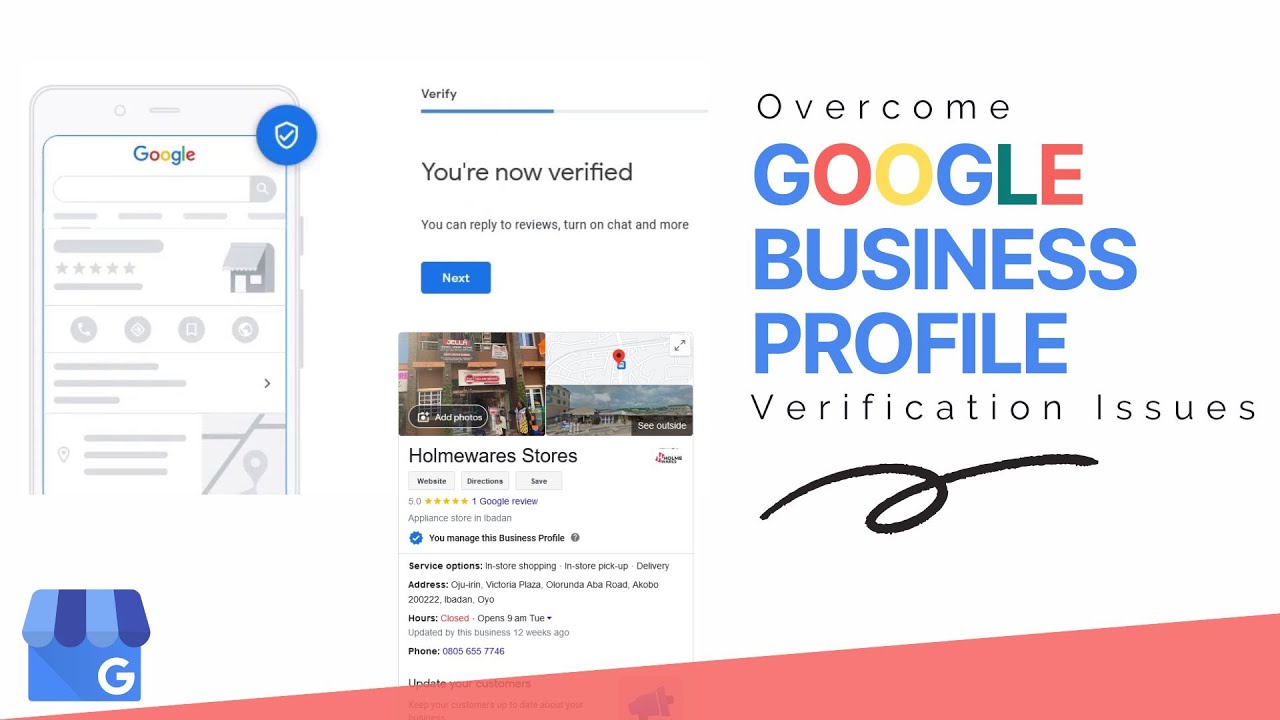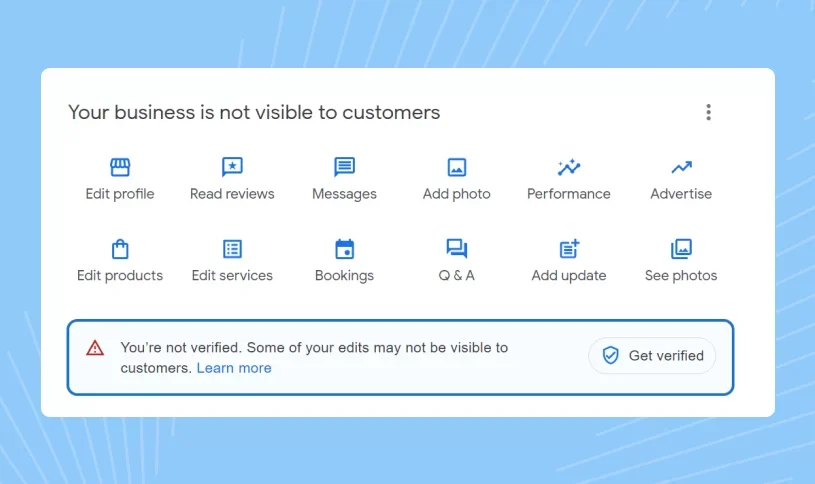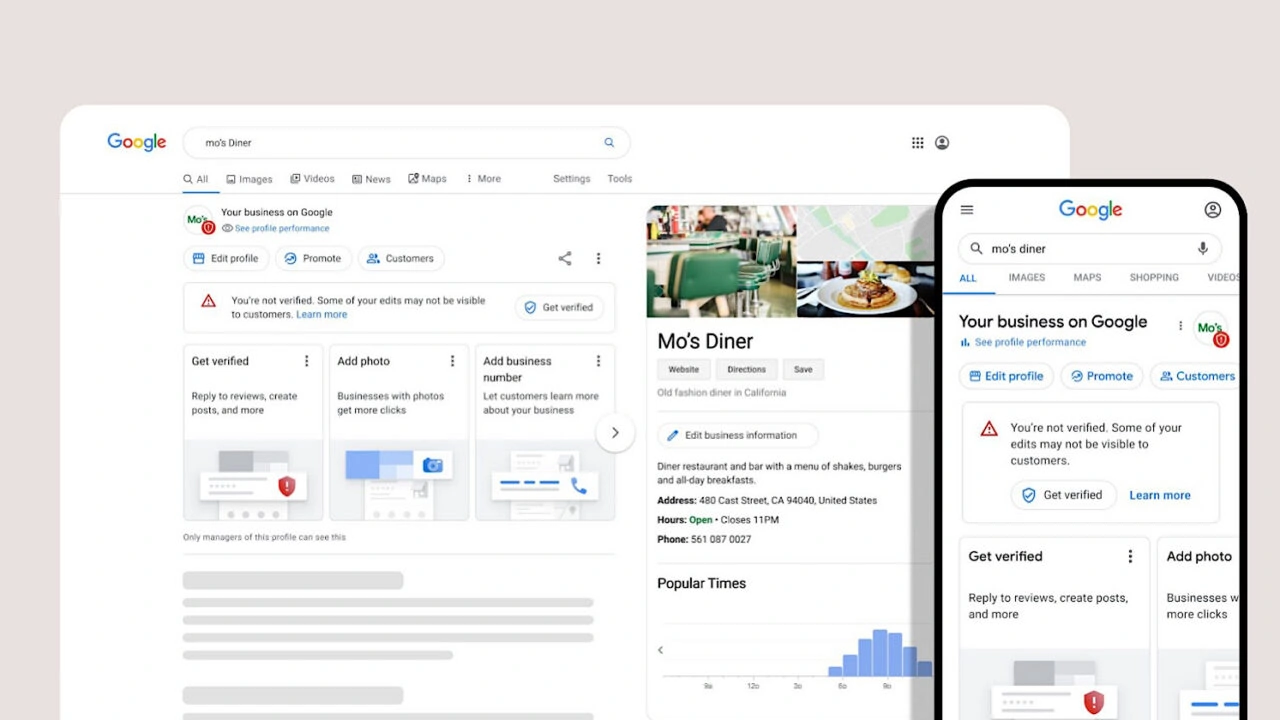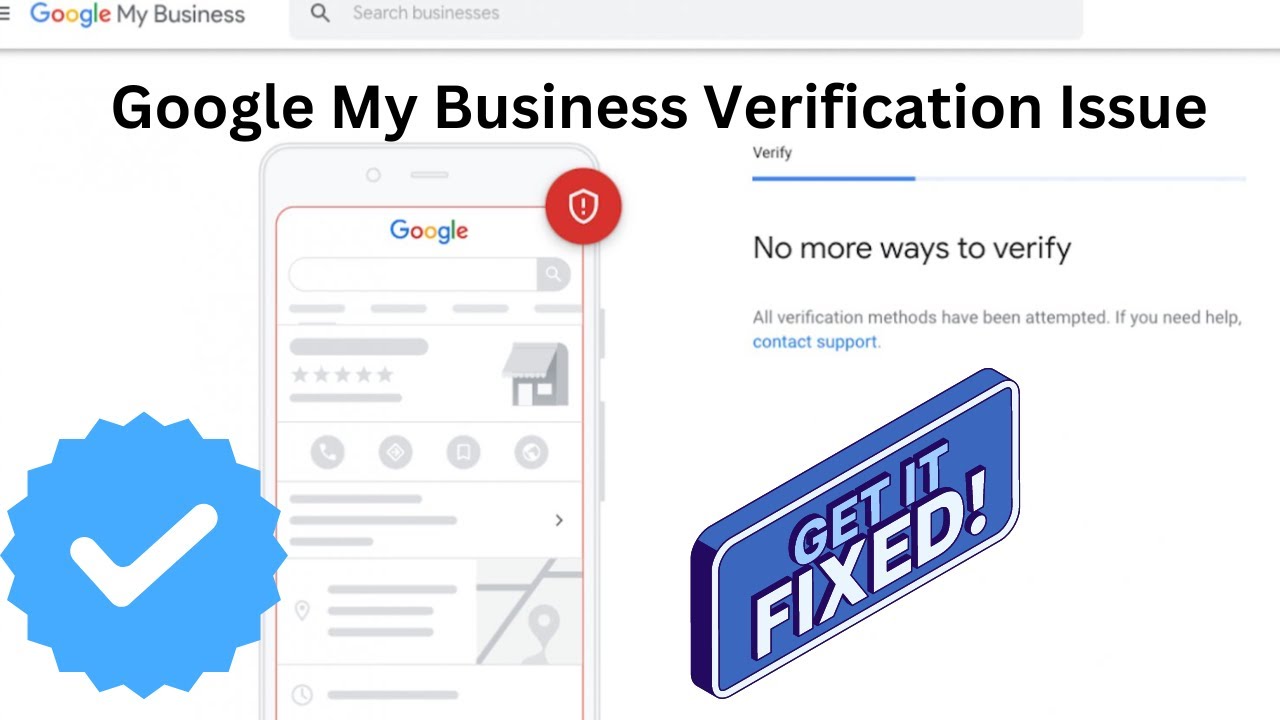
Google may sometimes ask businesses to complete Google Business Profile reverification even after a listing has already been verified. This usually happens when Google needs to confirm that business information is still accurate, trustworthy, and managed by the correct owner.
This guide explains why Google requests reverification, common reasons behind disabled or restricted profiles, and the steps businesses can take to restore trust and maintain a healthy Google Business Profile listing.
Why Does Google Ask For Business Profile Reverification?
Google requests reverification when it detects changes, unusual activity, or information that needs additional confirmation. The goal is to ensure that customers receive reliable business details across Google Search and Google Maps.
- Major changes to business information.
- Unusual account activity or profile updates.
- Changes in business location or ownership.
- Incorrect or outdated listing details.
- Need for additional trust verification.
Reverification helps Google confirm that the business still exists and that the person managing the profile has legitimate access.
🚀 Need Help with Google Business Profile Verification?
If your Google Business Profile is suspended, requires Video Verification, Live Video Verification, Contact Support verification, or you're unable to verify your business due to the lack of a physical office, business license, or any other verification issue, our team is here to help. We have successfully assisted 10,000+ businesses worldwide with Google Business Profile verification and suspension issues. Ready to get your business verified? Contact our experts today or view our recent success stories below.
Common Reasons Google Business Profile Requires Reverification
There are several situations where Google may ask a verified business profile to complete the verification process again.
- Business Information Changes: Updating the business name, address, category, or other important details may trigger another review.
- Location Updates: Moving to a new address can require Google to confirm the new business location.
- Profile Quality Issues: Inconsistent information or missing details may reduce trust in the listing.
- Suspicious Activity: Multiple edits, unusual login activity, or unexpected changes can lead to additional verification.
- Ownership Changes: When a new owner takes control, Google may require confirmation of management rights.
What Happens When Google Requests Reverification?
When Google asks for reverification, your profile may receive a notification explaining the required action. The available verification method depends on your business type, location, and account history.
Google may request:
- Video verification showing business operations.
- Phone or email confirmation.
- Additional business information.
- Proof that you manage the business location.
Completing the requested steps helps Google confirm that your Google Business Profile remains accurate and trustworthy.
Does Google Business Profile Reverification Mean Your Listing Is Disabled?
Not always. A reverification request does not automatically mean that your business profile has been suspended or removed. In many cases, Google simply needs updated confirmation before allowing certain profile changes or features.
However, ignoring a reverification request can create problems such as limited profile management access, reduced visibility, or possible restrictions on the listing.
How To Complete Google Business Profile Reverification Successfully
Preparing the correct information before starting reverification can improve the chances of approval.
- Review your business name, address, and contact details.
- Make sure your profile information matches your real business.
- Prepare clear proof of business operations.
- Use accurate photos or videos when requested.
- Remove outdated information from your listing.
The information submitted during reverification should clearly represent your actual business activities.
Google Business Profile Reverification After Location Change
Changing your business address is one of the most common reasons Google requests reverification. A location change requires Google to confirm that your new address is genuine and that customers can find accurate information.
Before updating your location, make sure:
- Your new address is correct.
- Your business signage matches the updated location.
- Your profile details are consistent across platforms.
- Your verification evidence reflects the new location.
How To Avoid Future Google Business Profile Reverification Issues
Maintaining accurate information and following Google's guidelines can reduce the chances of repeated verification requests.
- Keep business information updated.
- Avoid unnecessary profile edits.
- Use consistent business details online.
- Maintain proper account security.
- Follow Google Business Profile policies.
A well-maintained profile creates stronger trust signals and reduces verification problems.
Google Business Profile reverification is a separate review process where Google checks whether your listing information is still accurate and whether the profile is managed by an authorized business representative.
Why Google May Ask For Reverification After Approval
Many businesses believe that once a profile is verified, they will never need verification again. However, Google may request reverification whenever it needs additional confirmation about business accuracy, ownership, or profile activity.
- Recent changes to business details.
- Updates to address, category, or service information.
- Changes in profile ownership or management.
- Unusual editing patterns on the listing.
- Need for stronger trust signals.
The purpose of reverification is to protect customers from inaccurate listings and ensure that only legitimate businesses manage Google profiles.
What Causes Google Business Profile Reverification Requests?
Google uses different signals to decide when another verification step is needed. A profile may require reverification if certain details no longer match Google's records.
- Business Name Updates: Significant name changes can require Google to confirm the new information.
- Address Modifications: Moving locations or changing service areas may trigger another review.
- Profile Activity Changes: Sudden edits or repeated updates can create additional verification requirements.
- Ownership Transfers: New managers or owners may need to confirm their authority.
What Evidence Can Help During Google Business Reverification?
When Google requests reverification, providing clear and accurate evidence can help complete the review process successfully.
- Current business location details.
- Visible business branding or signage.
- Proof of access to the business premises.
- Updated information matching your profile.
- Evidence of active business operations.
The information provided should represent your real business and match the details displayed on your Google Business Profile.
Google Business Profile Reverification After Ownership Transfer
When a business profile changes ownership, Google may request additional verification to confirm that the new manager has legitimate control over the listing.
Before transferring ownership, businesses should:
- Confirm the correct owner account.
- Remove unnecessary users with access.
- Update business information if required.
- Maintain proper account security.
A smooth ownership transition helps prevent access issues and unnecessary profile restrictions.
How Long Does Google Business Reverification Take?
The time required for reverification depends on the verification method, business information, and the amount of review needed by Google.
Factors that can affect processing time include:
- Completeness of submitted information.
- Accuracy of business details.
- Verification method selected by Google.
- Additional review requirements.
Providing consistent and accurate information can help avoid unnecessary delays.
🚀 Need Help with Google Business Profile Verification?
If your Google Business Profile is suspended, requires Video Verification, Live Video Verification, Contact Support verification, or you're unable to verify your business due to the lack of a physical office, business license, or any other verification issue, our team is here to help. We have successfully assisted 10,000+ businesses worldwide with Google Business Profile verification and suspension issues. Ready to get your business verified? Contact our experts today or view our recent success stories below.
What Happens If You Ignore Google Reverification?
Ignoring a Google Business Profile reverification request can create problems with managing your listing. Google may limit certain profile functions until the required confirmation is completed.
Possible issues include:
- Restricted profile updates.
- Delayed changes appearing publicly.
- Reduced confidence in listing information.
- Potential profile suspension in serious cases.
Responding to verification requests quickly helps maintain your business presence on Google.
How To Prevent Repeated Google Business Verification Requests
Businesses can reduce future reverification issues by maintaining a stable and accurate profile.
- Keep business details consistent everywhere online.
- Avoid unnecessary frequent changes.
- Update information only when changes are genuine.
- Secure the Google account connected with the profile.
- Follow Google Business Profile guidelines.
A properly managed listing creates stronger trust and reduces verification complications.
Final Advice For Managing Google Business Profile Reverification
Google Business Profile reverification is designed to maintain accurate business information and protect users searching for local services. Businesses should treat verification requests as an opportunity to confirm that their listing details remain correct.
Keeping your profile updated, maintaining accurate records, and providing genuine business information are the best ways to complete reverification successfully and maintain long-term visibility.
After completing the required reverification steps, Google reviews the submitted information to confirm that your business profile meets quality and trust requirements.
What Happens After Google Business Profile Reverification?
Once you submit your reverification details, Google evaluates the information connected with your business listing. The review process helps determine whether your profile should continue with normal access and visibility.
After successful reverification, businesses can:
- Manage profile information normally.
- Update services, hours, and business details.
- Continue appearing in relevant Google Search and Maps results.
- Maintain customer access to accurate business information.
A completed reverification confirms that your listing information is current and supported by reliable business details.
Google Business Profile Reverification And Profile Suspension
Some businesses confuse reverification requests with profile suspension. These are different situations. A reverification request means Google needs additional confirmation, while a suspension usually occurs when Google detects policy concerns or serious listing issues.
Common reasons a profile may face restrictions include:
- Incorrect business information.
- Violation of Google Business Profile guidelines.
- Misleading location details.
- Unauthorized profile changes.
Keeping your listing accurate and following Google's requirements can help prevent future problems.
How To Fix Google Business Profile Reverification Issues
If you are unable to complete reverification, review your profile details carefully before submitting another request.
- Check that your business name follows Google's guidelines.
- Confirm that your address information is correct.
- Remove unnecessary or inaccurate profile changes.
- Prepare stronger evidence of business activity.
- Ensure the account owner has proper access.
Providing consistent information helps Google understand that your business profile represents a legitimate operation.
Why Accurate Business Information Matters During Reverification
Google compares the information on your profile with the evidence provided during the reverification process. Any mismatch can create delays or require additional review.
Businesses should maintain consistency for:
- Business name.
- Physical location.
- Service details.
- Operating hours.
- Contact information.
Accurate information improves trust and helps customers find the correct business details.
Google Business Profile Reverification For Service Area Businesses
Service area businesses may also receive reverification requests even without a public customer location. Google may need confirmation that the business operates within the stated service area.
Examples include:
- Mobile repair providers.
- Cleaning professionals.
- Home improvement services.
- Independent contractors.
These businesses should provide evidence that connects their operations with the claimed Google Business Profile.
How Business Owners Can Maintain A Trusted Google Listing
After completing reverification, ongoing profile management is important for maintaining trust and visibility.
- Review business information regularly.
- Respond to customer reviews.
- Add accurate updates when needed.
- Keep photos and services current.
- Monitor account access.
A maintained profile provides better information for customers and supports a stronger online presence.
Google Business Profile Reverification Checklist
- Review all profile information before submission.
- Use genuine business details.
- Prepare supporting evidence if requested.
- Complete the verification method provided by Google.
- Avoid unnecessary profile changes during review.
- Keep account access secure.
Conclusion
Google Business Profile reverification is an important process that helps maintain accurate and trustworthy business listings. When Google asks for verification again, businesses should provide updated information and clear evidence that matches their actual operations.
By keeping your profile accurate, following Google's guidelines, and managing your listing properly, you can reduce verification problems and maintain a reliable presence across Google Search and Google Maps.
Frequently Asked Questions (FAQs)
1. Why is Google asking me to verify my Business Profile again?
Google may request Google Business Profile re-verification when it needs to confirm that your business information is still accurate and that the profile is managed by an authorized person. Changes to business details, unusual activity, or updated trust requirements can trigger another verification request.
2. Does Google Business Profile re-verification mean my profile is suspended?
No, a re-verification request does not always mean your profile is suspended. Google may simply require additional confirmation before allowing certain profile updates or continuing to display your business information.
3. What can cause Google to request verification again?
Google may ask for re-verification because of changes or signals that require additional review. Common reasons include:
- Changing your business address or service area.
- Updating your business name or category.
- Adding new managers or ownership changes.
- Unusual profile activity.
- Missing or inconsistent business information.
4. How do I complete Google Business Profile re-verification?
To complete GBP re-verification, sign in to your Google Business Profile account and follow the verification option provided by Google. The available method may include video verification, phone verification, email verification, or another method selected for your business.
5. Can I ignore a Google Business Profile re-verification request?
Ignoring a re-verification request can affect your ability to manage your profile. Google may restrict certain features, hide business information, or limit profile visibility until the required verification steps are completed.
6. Why did Google ask for verification after my profile was already verified?
A previously verified Google Business Profile may still require verification again because verification confirms current accuracy and ownership. Business information, account activity, or Google's quality checks can result in a new verification request.
7. What information should I prepare for Google re-verification?
Before starting the re-verification process, prepare evidence that shows your business is legitimate and operating. This may include:
- Business location details.
- Permanent signage or branding.
- Work equipment, products, or inventory.
- Proof that you manage the business.
- Updated business information.
8. Can changing my business information trigger re-verification?
Yes, significant profile changes can sometimes trigger another verification request. Updates involving your address, business name, category, or ownership details may require Google to confirm that the changes are accurate.
9. What happens if my Google Business Profile re-verification fails?
If re-verification fails, Google may provide additional instructions or request more evidence. Review your profile information, correct any inconsistencies, and submit clear proof that matches your business details.
10. Does Google Business Profile re-verification affect local SEO rankings?
A pending or failed re-verification can affect your profile visibility and customer access to business information. Maintaining an accurate and verified profile helps support a reliable presence in Google Search and Google Maps.
11. Can I prevent Google from asking for verification again?
You cannot completely prevent future verification requests because Google may review profiles periodically. However, keeping your information accurate, avoiding unnecessary changes, and following Google's guidelines can reduce verification issues.
12. Why is my Google Business Profile verification pending again?
A pending re-verification usually means Google is reviewing the submitted information or waiting for additional confirmation. The review time can vary depending on the verification method and the details provided.
13. Can a new business owner face Google Business Profile re-verification?
Yes, ownership changes or transferring profile management to another person can result in additional verification. Google may need to confirm that the new manager has legitimate control over the business.
14. Do duplicate listings cause Google re-verification problems?
Duplicate or conflicting business listings can create trust issues and may lead to additional review. Businesses should maintain one accurate profile and remove outdated or duplicate listings when necessary.
15. What is the best way to handle repeated Google Business Profile verification requests?
The best approach is to review your profile information, provide accurate evidence, and complete every verification step requested by Google. A consistent and trustworthy business profile reduces future verification complications.
.png)
.png)
.png)
.png)
.png)
.png)
.png)
.png)